Import from ChatGPT, Claude, Gemini, or Grok. Search, tag, and export. Private by default. Sync encrypted across your devices and share with your team.
No account needed for local use. Your conversations stay on your device.
Same privacy guarantee as the web app. Runs offline. Notifies you in-app when an update is ready.
Current release: v0.14.14
macOS builds are code-signed and notarized. Windows and Linux builds carry update-integrity signatures. Updates are delivered via the built-in updater. The app notifies you when one is ready.
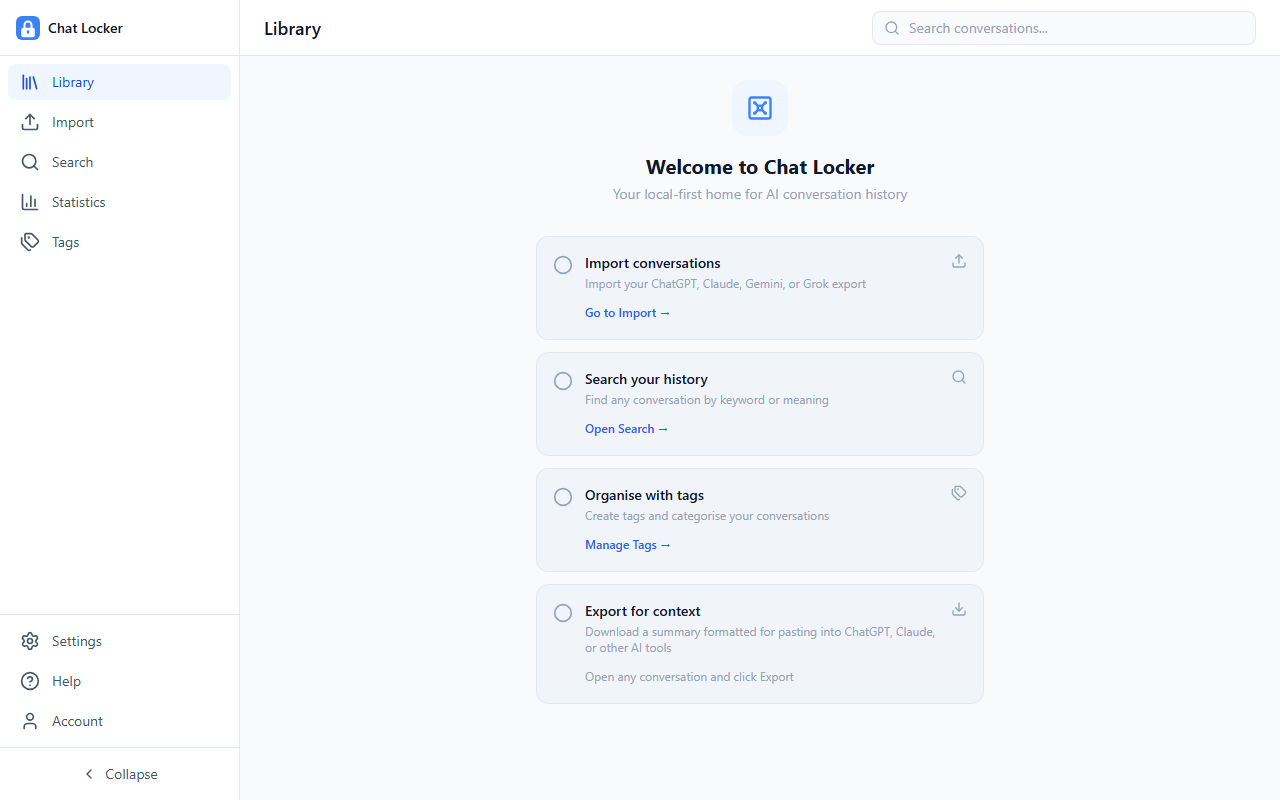
Import, search, tag, and export conversations from ChatGPT, Claude, Gemini, and Grok.
Everything stays in your browser by default. No tracking, no account required. Your conversations never leave your device unless you choose to sync or share.
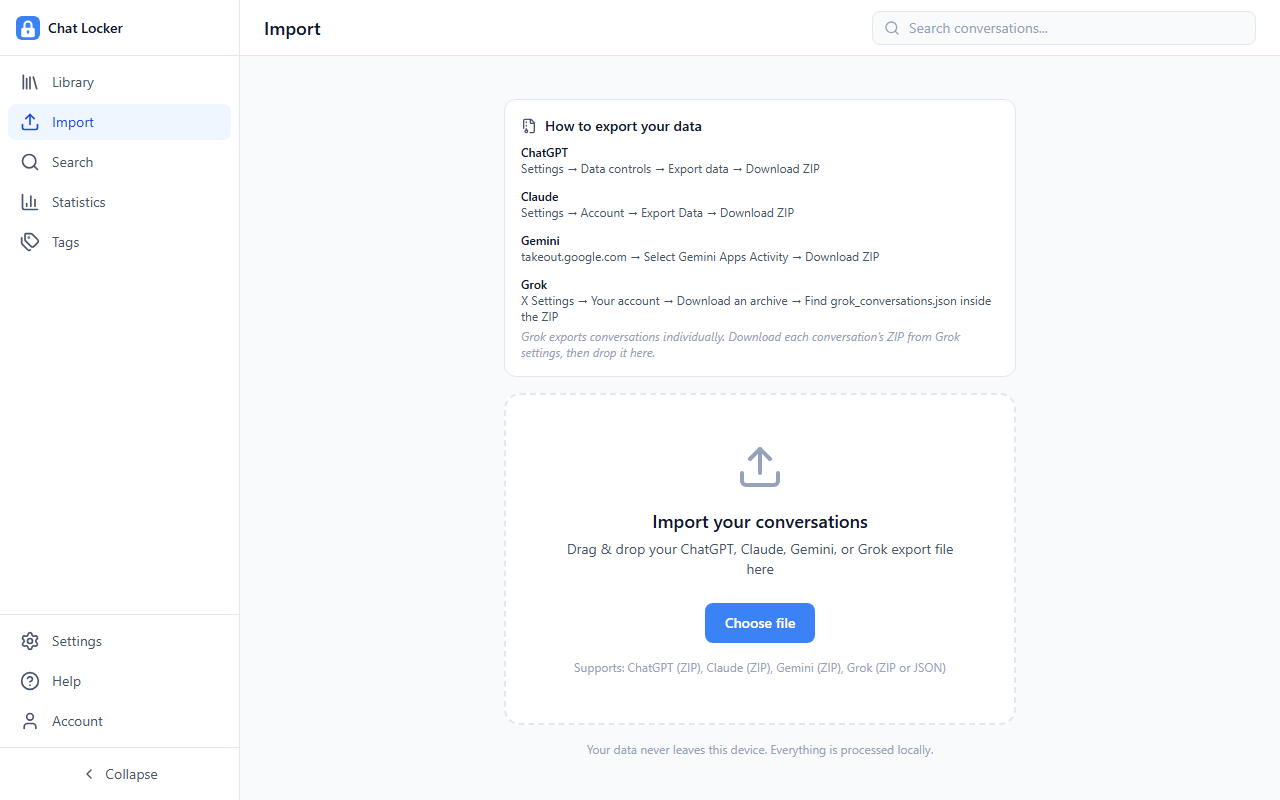
Import your ChatGPT, Claude, Gemini, and Grok data exports in seconds. Just drag your ZIP or JSON file and you are done.
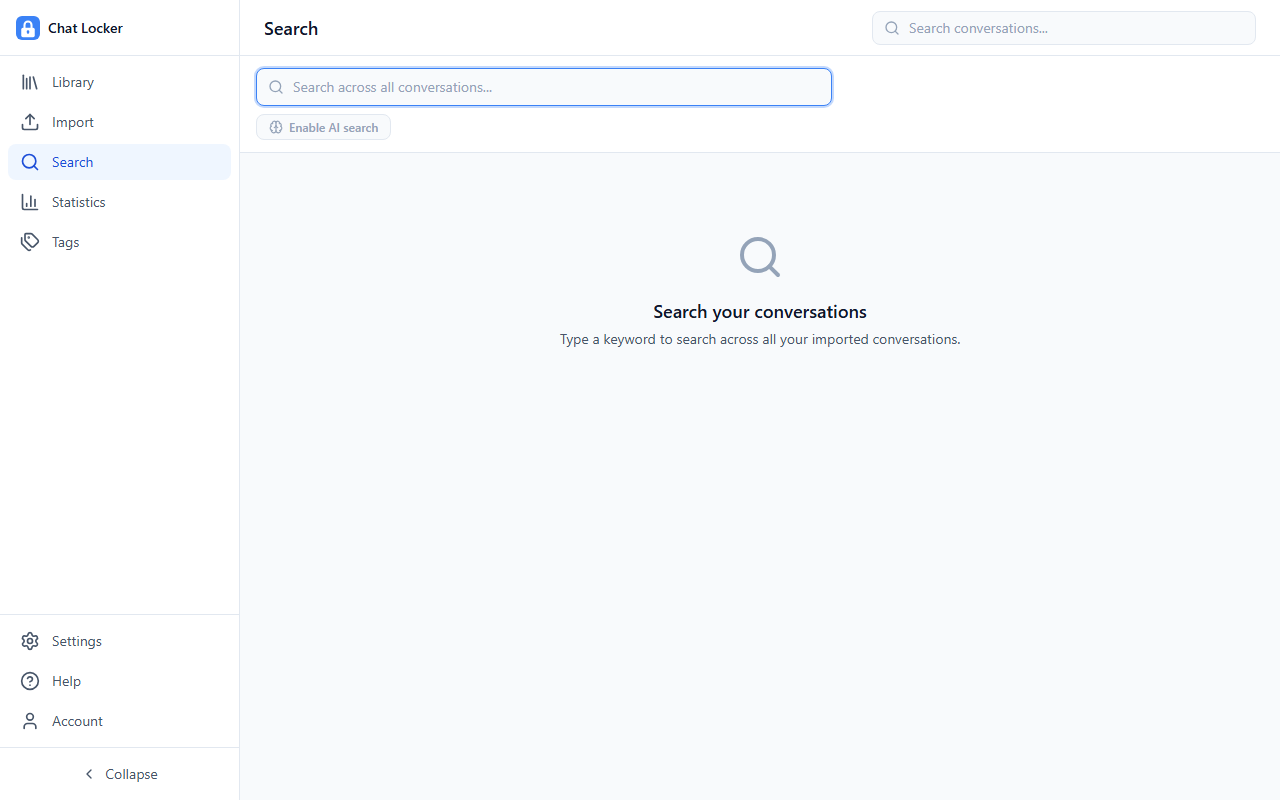
Full-text keyword search plus optional semantic AI search, which finds conversations by meaning rather than exact keywords. Runs entirely on your device.
Create custom tags, filter by platform or date, and keep your conversation library organized your way.
Export as Markdown, JSON, or an AI-ready context prompt to paste directly into ChatGPT, Claude, or any other AI tool.
Charts of your usage over time, broken down by platform, model, and date range.
Pro: sync your vault across all your devices. Conversations are end-to-end encrypted before leaving your device. We store only encrypted blobs.
Pro: create team workspaces and share selected conversations with colleagues. Invite members by link and manage roles and permissions.
Drop in your export file and start searching.
Download your conversation history from ChatGPT, Claude, Gemini, or Grok using their built-in export feature.
Drag and drop your ZIP or JSON file. Your data is parsed and indexed locally, with no server involved.
Find any conversation by keyword or meaning. Tag, filter by platform or date, and export in the format you need.
Optionally enable encrypted cloud sync to access your vault on any device, or create a team workspace to share conversations with colleagues.
A clean, fast interface designed for navigating thousands of conversations.
Chat Locker never touches your data.
All data is stored in your browser's IndexedDB. Nothing is ever sent to a server unless you explicitly enable cloud sync or team sharing.
No analytics, no telemetry, no tracking pixels. Personal cloud sync is end-to-end encrypted. Your conversations are encrypted before they leave your device. Team-shared conversations are readable by team members and stored in plaintext on our servers.
Semantic search runs an ONNX model entirely in your browser. The model is cached locally after first download.
Install as a Progressive Web App and use it completely offline. Your vault is always accessible.
No account needed. Works in your browser, or download the desktop app.
Open Chat Locker